
SimpleDashboard
AI Business Dashboard Builder — Business at a Glance
Asset Status
| Asset | Required | Status | File |
|---|---|---|---|
| Store Icon | 128×128 | ✓ OK | /assets/simpledashboard/icons/icon128-v1.png |
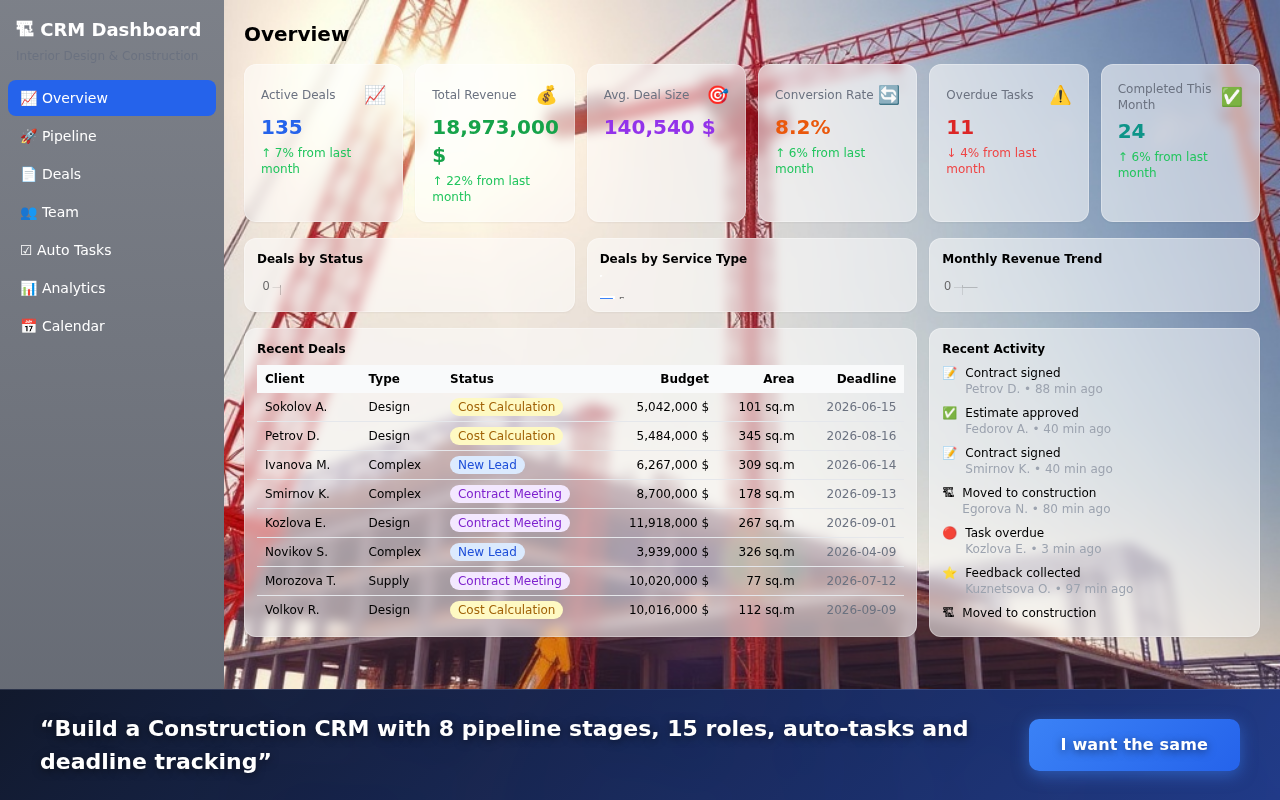
| Screenshot 1 | 1280×800 | ✓ OK | screenshot-1-construction-crm-1280x800.png |
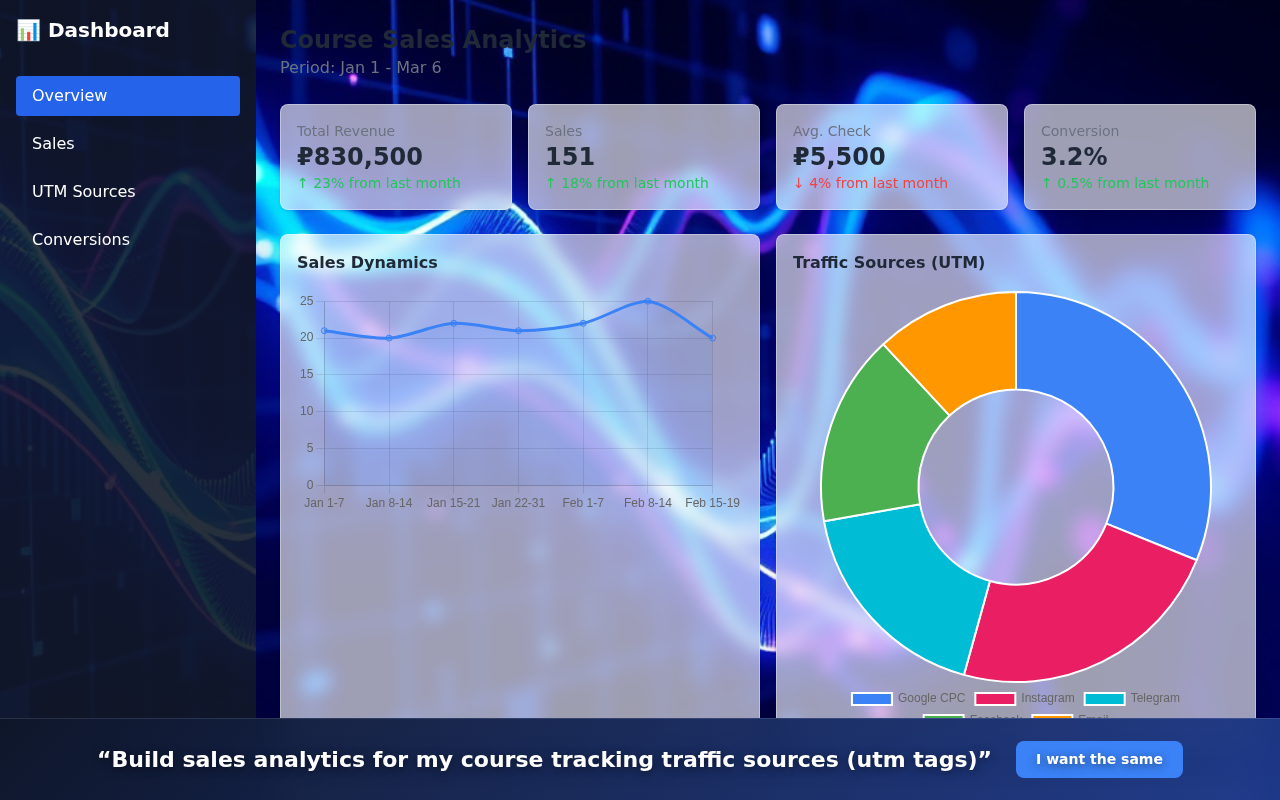
| Screenshot 2 | 1280×800 | ✓ OK | screenshot-2-sales-utm-1280x800.png |
| Screenshot 3 | 1280×800 | ✓ OK | screenshot-3-funnel-analytics-1280x800.png |
| Promo Small | 440×280 | ✓ OK | /assets/simpledashboard/promo/promo-small-440x280.png |
| Promo Large | 1400×560 | ✓ OK | /assets/simpledashboard/promo/promo-large-1400x560.png |
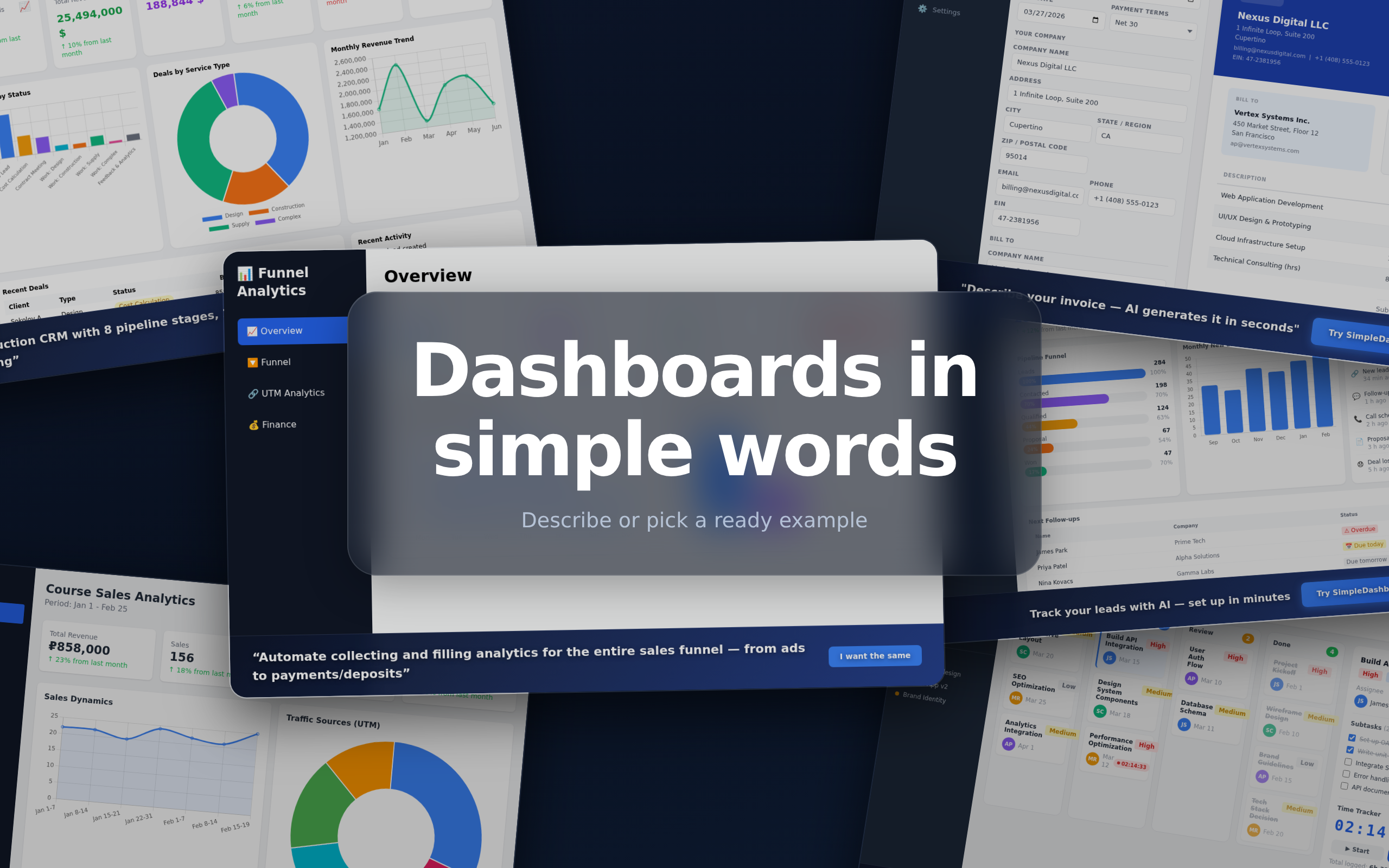
| Composite Banner | 1280×800 | ✓ OK (2560×1600) | /assets/simpledashboard/promo/main_banner.png |
| Extension ZIP | — | ✓ OK v1.0.41 | /downloads/simpledashboard-extension.zip |
| Promo Video | YouTube URL | ⚠ Record needed | — |
Chrome Store — Text Fields
Name max 45 chars
38/45
SimpleDashboard - Business at a Glance
Short Name max 12 chars
10/12
SimpleDash
Short Description max 132 chars
84/132
Build business dashboards with AI. Upload CSV, connect API, get real-time analytics.
Full Description max 16,000 chars
Create professional business dashboards through conversation with AI.
Upload your data or connect APIs - get actionable insights in minutes.
📊 What you can build:
• Sales dashboards with KPIs and conversion charts
• Marketing analytics (traffic, campaigns, ROI)
• Operations monitoring (orders, inventory, logistics)
• Financial reports (revenue, costs, forecasts)
• CRM dashboards (leads, deals, pipeline)
• Server/API monitoring with alerts
• Sprint reports from GitHub
• Construction project tracking
• Restaurant & retail analytics
🤖 AI-powered:
• Describe metrics in plain English
• AI suggests best visualizations
• Auto-generate charts from data
• Natural language data queries
• Smart insights and anomaly detection
🔌 Data sources:
• CSV/Excel upload
• Google Sheets integration
• REST API connection
• Webhook receivers
• Real-time updates
🌐 Share & collaborate:
• Custom domain hosting
• Role-based access (admin/viewer)
• Embed dashboards in websites
• Scheduled email reports
---
SimpleDashboard is the easiest way to get "Business at a Glance" — see the full slice of your business in one place.
Whether you're a solo founder, operations manager, or analytics lead — just describe what you want to see, and the AI builds it for you instantly.
No BI tools to learn. No SQL to write. No designer needed.
✅ Works with your existing data (CSV, Google Sheets, APIs)
✅ Professional charts: line, bar, pie, gauge, funnel, KPI cards
✅ Share with your team or embed in your website
✅ Mobile-friendly responsive design
✅ HTTPS hosting included
Keywords
Keywords (click to copy individual)
business dashboard
analytics dashboard builder
KPI dashboard
sales dashboard
data visualization
no-code analytics
CSV to dashboard
Category & URLs
Category
Productivity
Homepage URL
https://simpledashboard.wpmix.net
Promo Video URL
⚠ Not recorded yet
Store Icon — 128×128
Bar chart / dashboard icon. Blue (#3B82F6). Used in Chrome Web Store listing header.
All extension sizes (16/32/48/128) match this design — restored from git commit 286b6cf.
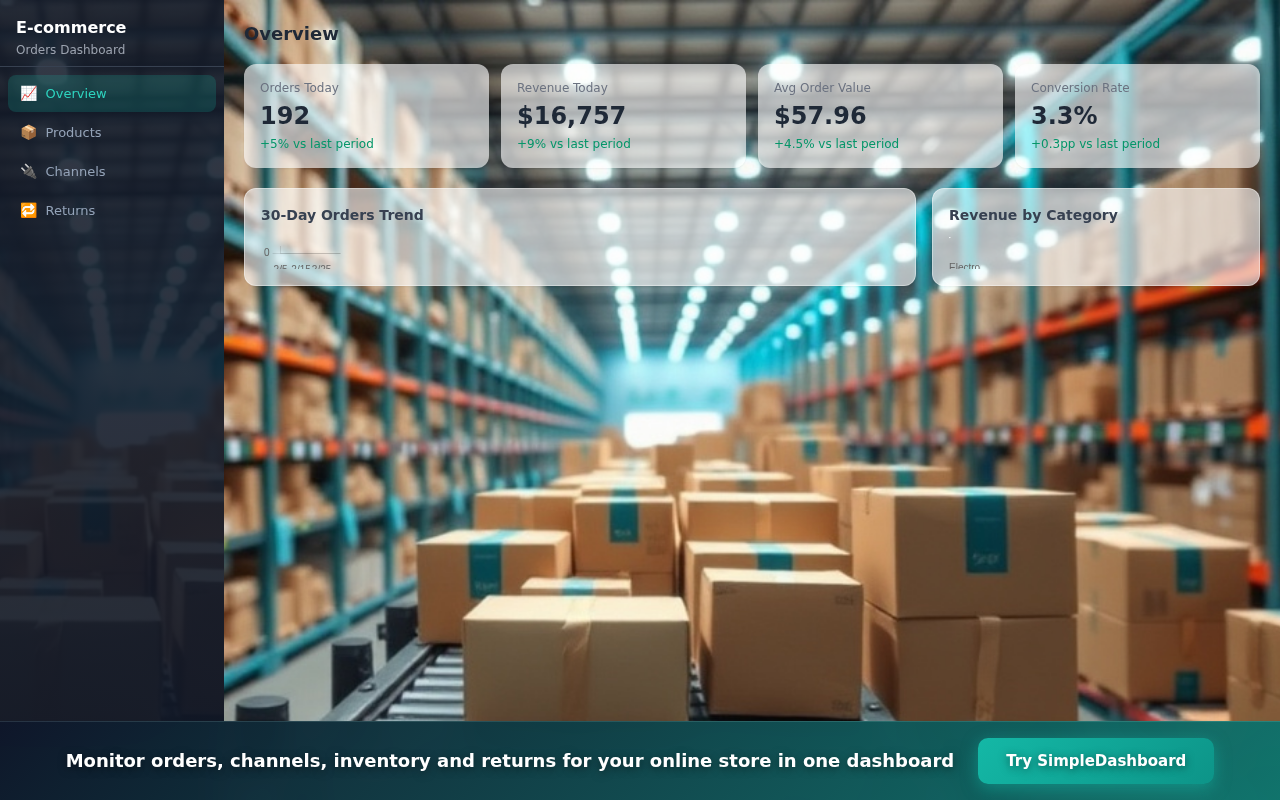
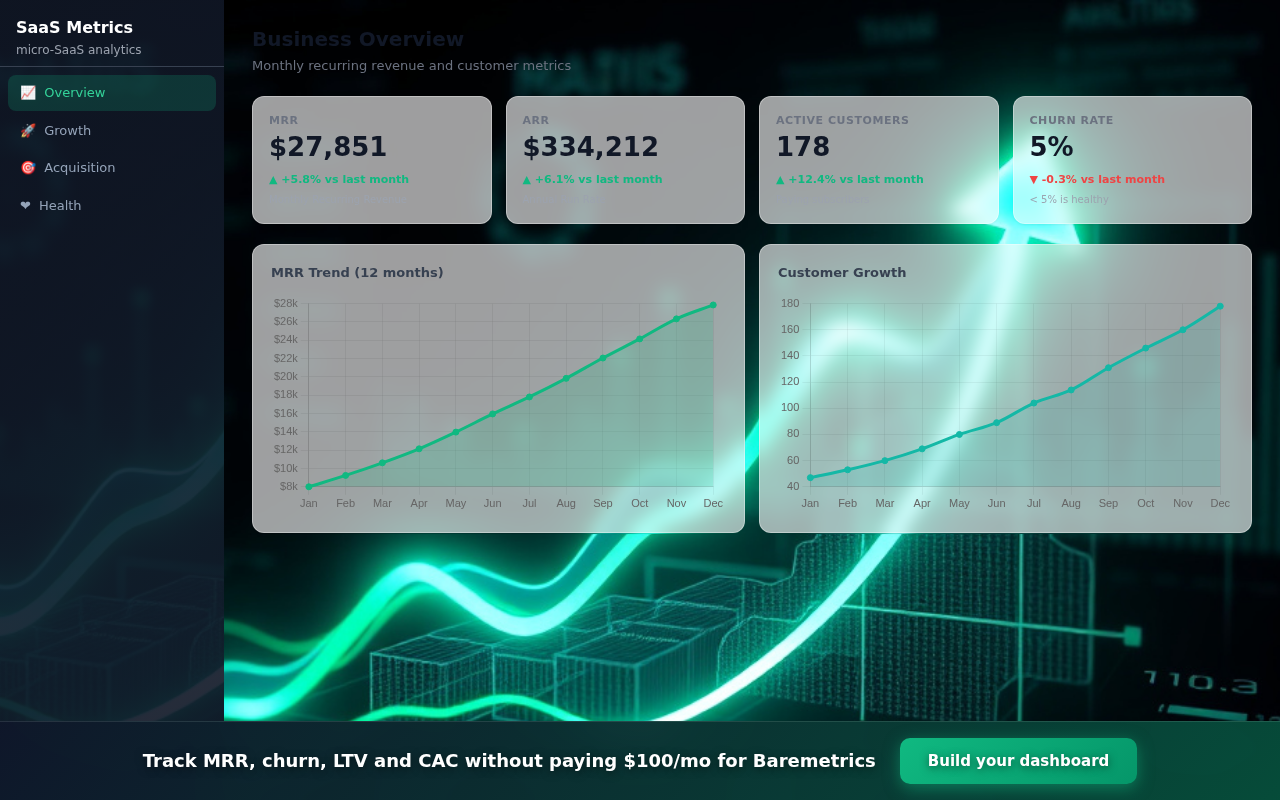
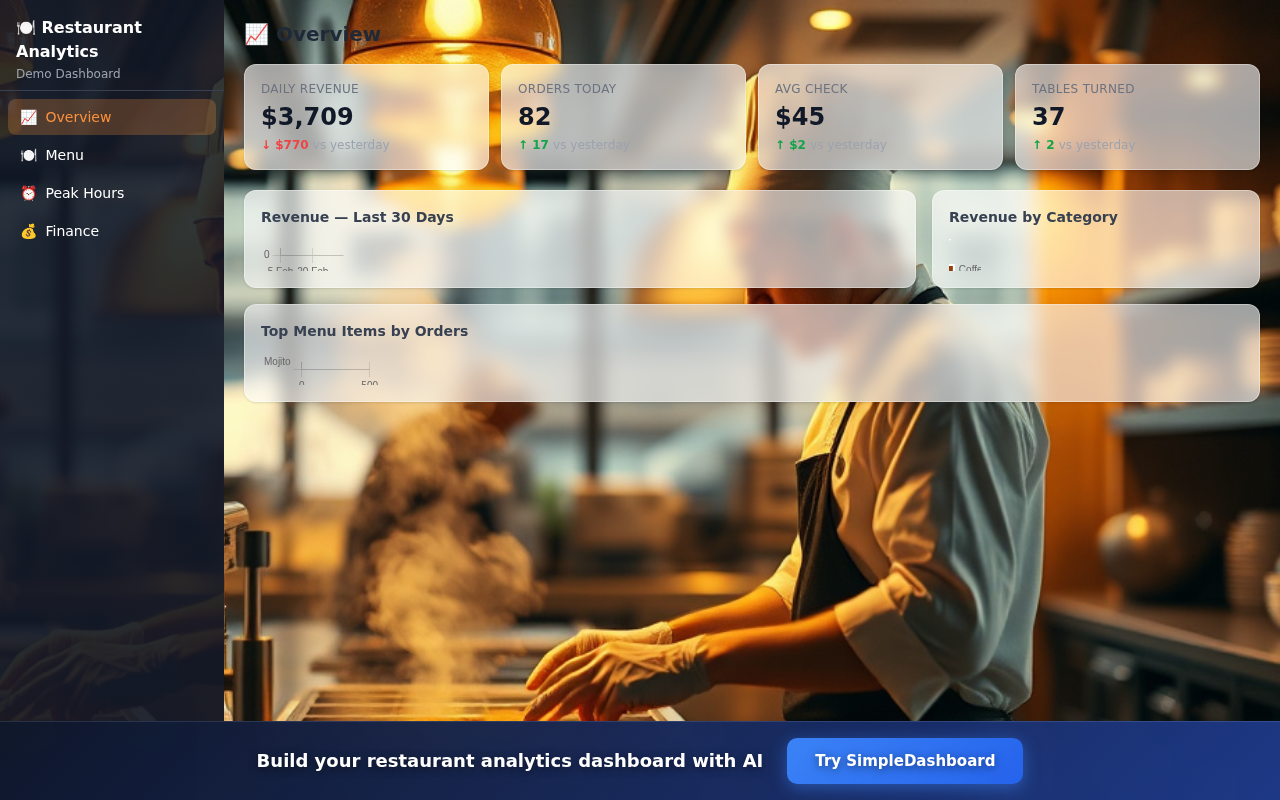
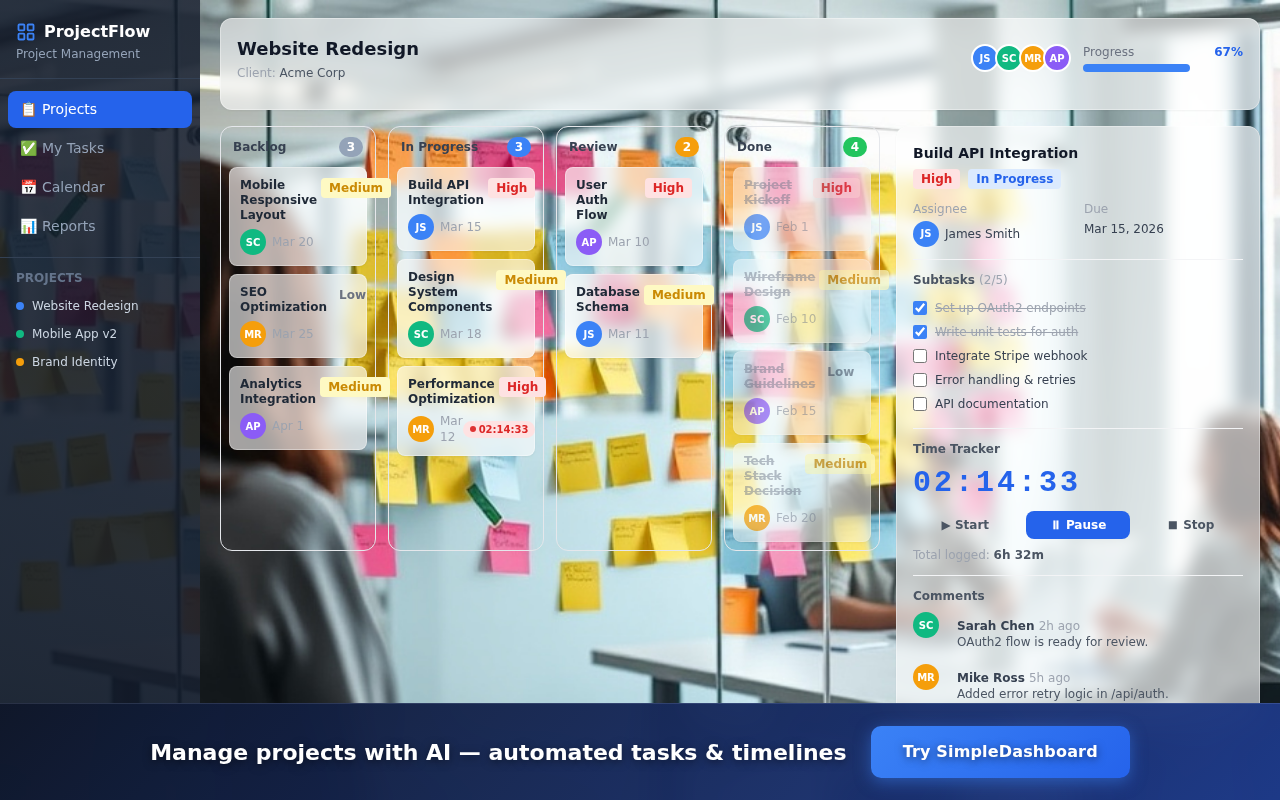
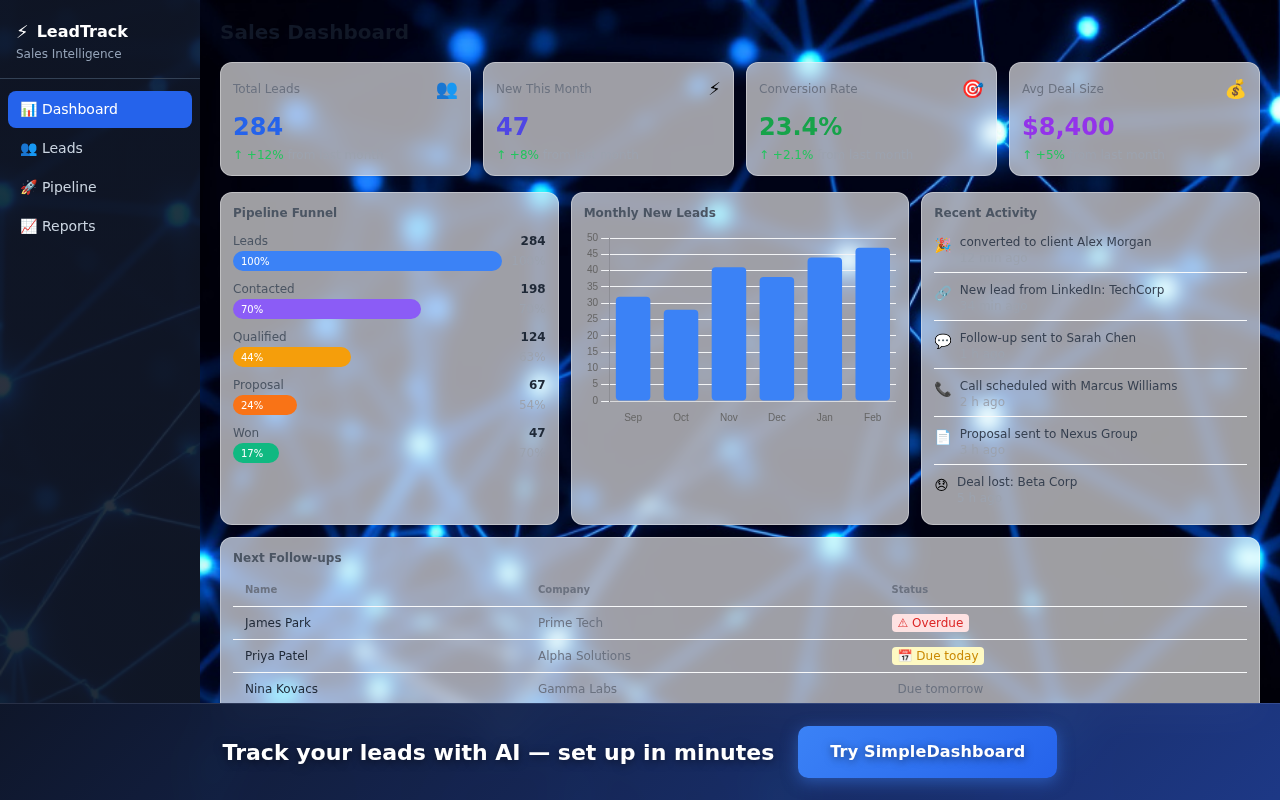
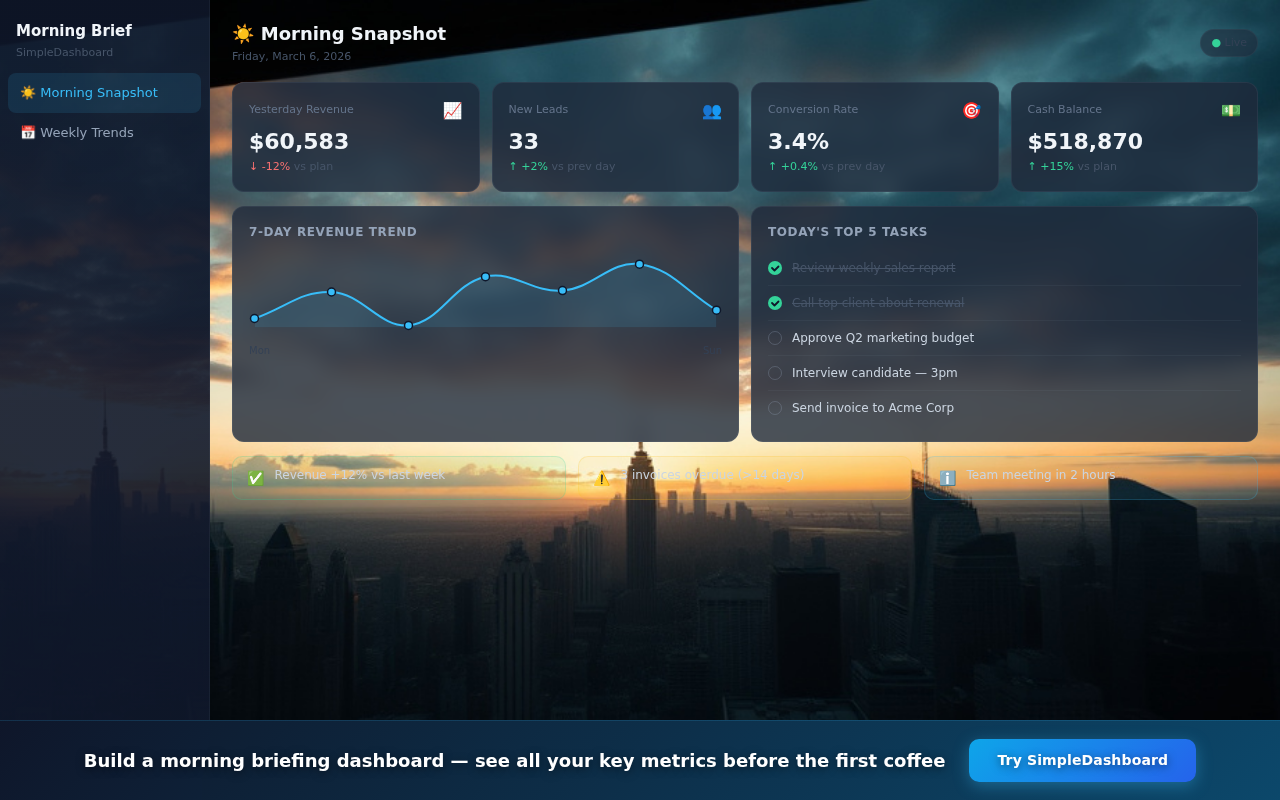
Screenshots — 1280×800 (14 available, max 5 in Chrome Store)



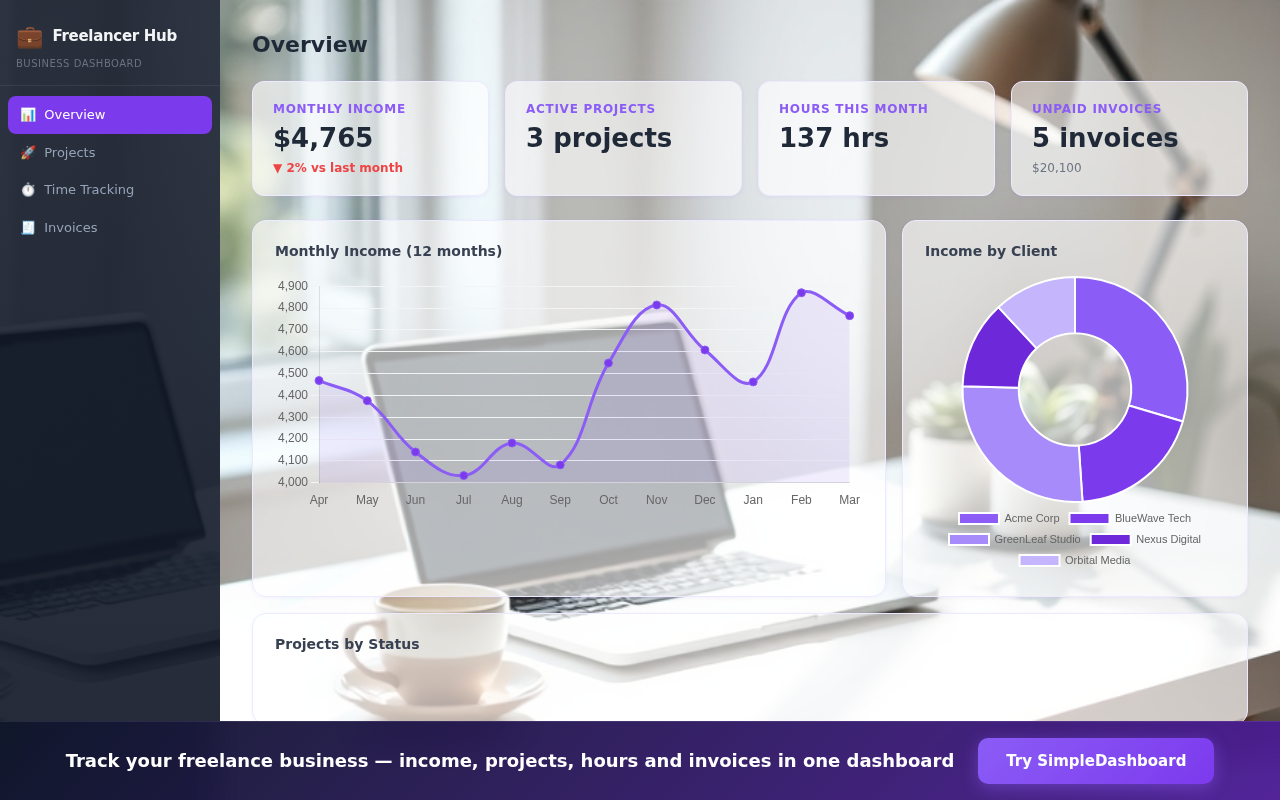
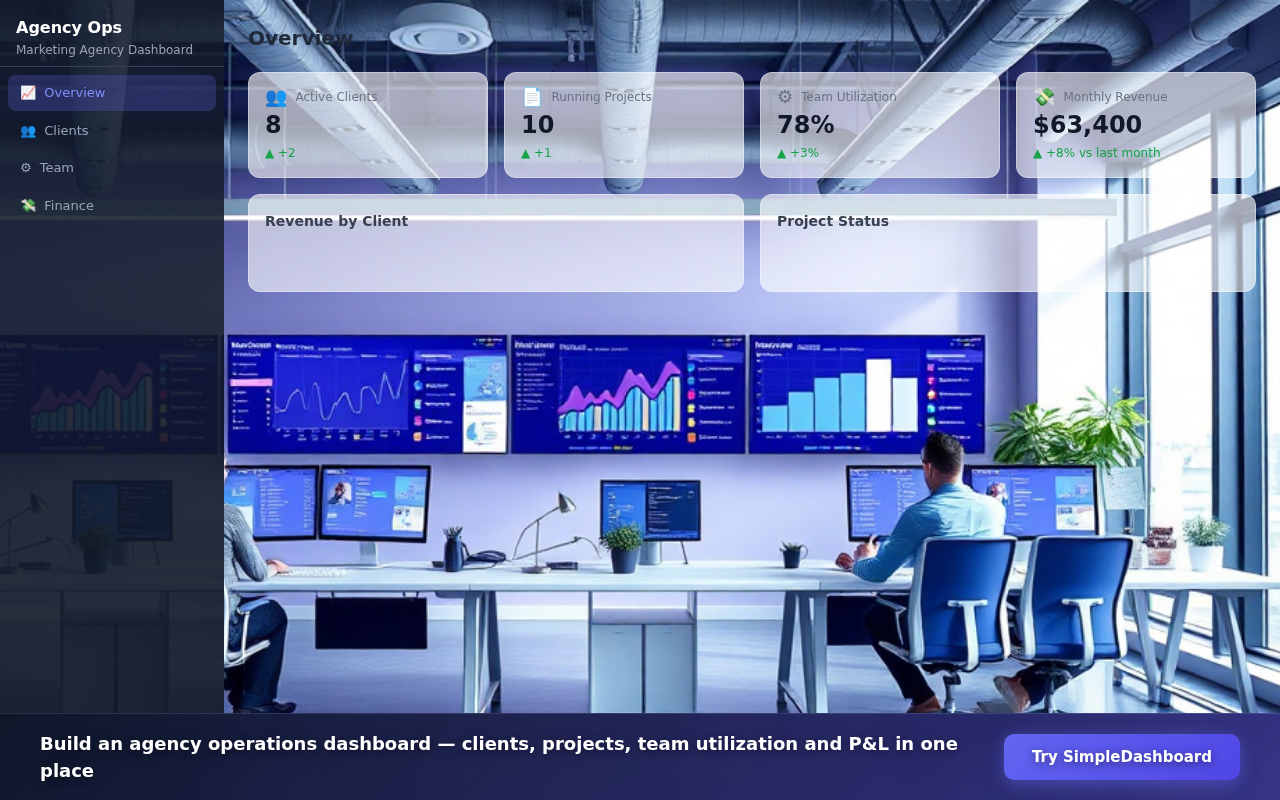
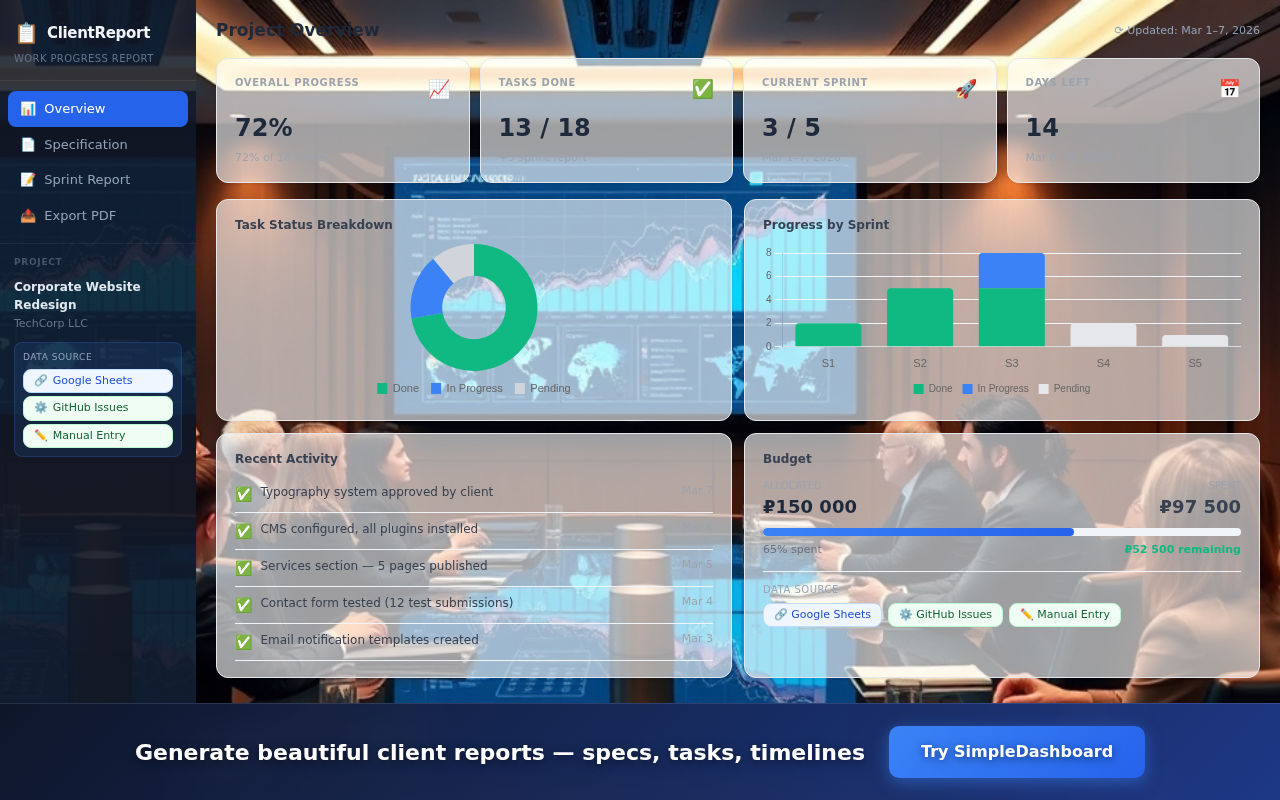
Promo Images

Composite Banner (all showcases)
Chrome Store — Privacy Practices (Tab "Меры по конфиденциальности")
⚠️ Анализ политик Chrome Web Store
✓ Что у нас в порядке
• Single purpose — одна чёткая функция (side panel)
• Все permissions реально используются
• scripting используется только на *.wpmix.net
• storage — только локально, без передачи
• Нет eval(), нет remote <script> в extension коде
• Side panel открывается только по клику пользователя
• Все permissions реально используются
• scripting используется только на *.wpmix.net
• storage — только локально, без передачи
• Нет eval(), нет remote <script> в extension коде
• Side panel открывается только по клику пользователя
⚠️ Потенциальные вопросы от ревьюера
• <all_urls> — широкое разрешение, нужна чёткая формулировка
• Remote code — iframe c внешним URL может быть вопросом; технически это не "remote code execution" (нет eval/dynamic script)
• scripting + content_scripts — оба способа объяснить зачем
• Remote code — iframe c внешним URL может быть вопросом; технически это не "remote code execution" (нет eval/dynamic script)
• scripting + content_scripts — оба способа объяснить зачем
💡 "Remote code" в форме — НЕ отмечать, если нет eval() или dynamic script injection. Iframe с внешним URL — это не remote code по определению Chrome.
Privacy Policy URL
https://onout.org/simpledashboard/privacy/
Единственное назначение / Single purpose
Opens SimpleDashboard AI assistant in a browser side panel for building business dashboards.
activeTab
Used only to retrieve the windowId of the currently active tab when the user clicks the extension icon, so the side panel opens in the correct window. No tab content, URL, or user data is accessed. The extension only injects scripts into *.wpmix.net pages.
scripting
Used to inject the Ethereum provider script into wpmix.net pages to enable Web3 wallet functionality (keypair-based signing) within the dashboard application.
sidePanel
Core functionality — opens the SimpleDashboard AI assistant in Chrome's native side panel when the user clicks the extension icon.
storage
Used to persist the Web3 wallet keypair locally on the user's device. No data is transmitted to third parties or remote servers.
tabs
Used to open the SimpleDashboard showcases page in a new tab when the user first activates the extension, so they can see example dashboards.
Host permissions (<all_urls>)
Required to allow the side panel to open on any webpage the user is currently visiting. The extension does not read, modify, or collect any content from visited pages — it only opens a side panel iframe with simpledashboard.wpmix.net.
Удалённый код / Remote code
The side panel loads https://simpledashboard.wpmix.net — the SimpleDashboard web application. All AI processing and dashboard rendering happens on this domain. No third-party scripts are loaded.
SimpleSite
AI Website Builder — Landing pages, booking forms, business sites
Asset Status
| Asset | Required | Status | File |
|---|---|---|---|
| Store Icon | 128×128 | ✗ Missing | Needs to be created |
| Screenshot 1 | 1280×800 | ✓ OK | coffee-menu.png |
| Screenshot 2 | 1280×800 | ✓ OK | dentist-services.png |
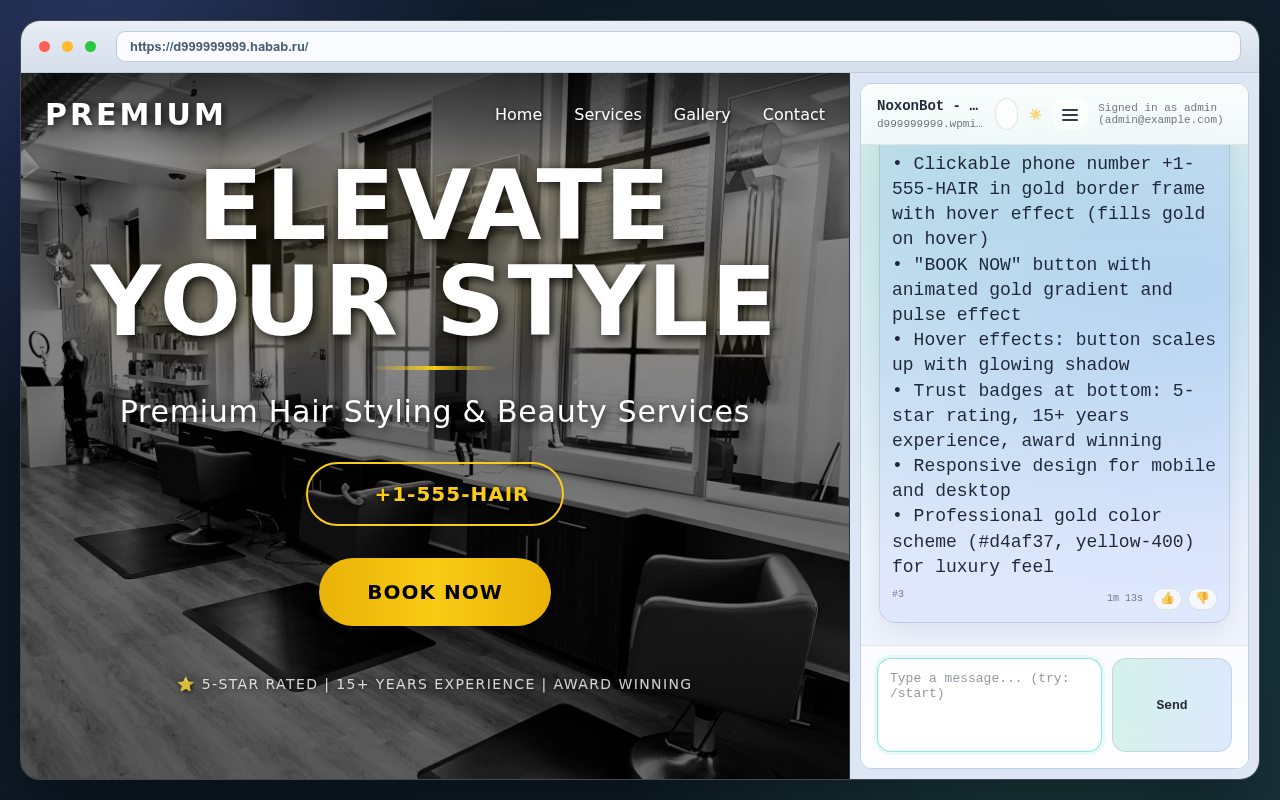
| Screenshot 3 | 1280×800 | ✓ OK | hair-salon-hero.png |
| Screenshot 4 | 1280×800 | ✓ OK | pizza-order.png |
| Screenshot 5 | 1280×800 | ✓ OK | yoga-promo.png |
| Promo Small | 440×280 | ✓ OK | /assets/simplesite/promo/promo-small-440x280.png |
| Promo Large | 1400×560 | ✓ OK | /assets/simplesite/promo/promo-large-1400x560.png |
| Extension ZIP | — | ✗ Not built | — |
| Promo Video | YouTube URL | ⚠ Record needed | — |
Chrome Store — Text Fields
Name max 45 chars
31/45
SimpleSite - AI Website Builder
Short Name max 12 chars
10/12
SimpleSite
Short Description max 132 chars
81/132
Create landing pages, booking forms and websites using AI chat. Publish instantly.
Full Description max 16,000 chars
Build professional landing pages through natural conversation with AI.
Just describe your business — get a complete website in minutes.
✨ What you can build:
• Landing pages for business, products, services
• Booking forms (salon, dentist, yoga studio, barber)
• Product catalogs and portfolios
• Contact forms and lead capture pages
• Restaurant menus and online ordering
• Event registration pages
• Service price lists
• Photo galleries and portfolios
🤖 AI-powered:
• Generate full HTML/CSS from chat description
• AI-generated background images (unique per site)
• Edit in chat: "change color to blue", "add phone field"
• Responsive mobile-first design
• Instant preview right in the browser sidebar
• Multi-language support (EN/RU)
🌐 Publish to web:
• Custom domain (your-site.com)
• 24/7 hosting with HTTPS/SSL
• Built-in analytics
• No coding required
• Publish in one click
---
SimpleSite is for anyone who needs a professional web presence fast.
Your customer describes their coffee shop in a few sentences → AI creates a full landing page with menu, photos, and booking form → Published online in minutes.
Perfect for:
• Small business owners (salon, dental, restaurant, gym)
• Freelancers and solo entrepreneurs
• Marketing agencies creating sites for clients
• Anyone who wants a website but has no coding skills
🔧 Technical details:
• Built with HTML + Tailwind CSS
• Hosted at your custom d{id}.wpmix.net subdomain
• Can connect to your own domain via DNS
• HTTPS/SSL included via Let's Encrypt
• Editable at any time through chat
Keywords
Keywords (click to copy individual)
landing page builder
AI website creator
no-code website
booking form generator
business landing page
salon booking form
restaurant menu website
Category & URLs
Category
Productivity
Homepage URL
https://simpledashboard.wpmix.net
Promo Video URL
⚠ Not recorded yet
Store Icon — 128×128
🌐
Icon missing
Need to create 128×128 PNG
Screenshots — 1280×800 (5 available)




Promo Images


Chrome Store — Privacy Practices (Tab "Меры по конфиденциальности")
Privacy Policy URL
https://onout.org/simpledashboard/privacy/
Единственное назначение / Single purpose
Opens SimpleSite AI assistant in a browser side panel for creating and publishing landing pages and business websites.
activeTab
Used only to retrieve the windowId of the currently active tab when the user clicks the extension icon, so the side panel opens in the correct window. No tab content, URL, or user data is accessed. The extension only injects scripts into *.wpmix.net pages.
scripting
Used to inject the Ethereum provider script into wpmix.net pages to enable Web3 wallet functionality (keypair-based signing) within the website builder application.
sidePanel
Core functionality — opens the SimpleSite AI website builder in Chrome's native side panel when the user clicks the extension icon.
storage
Used to persist the Web3 wallet keypair locally on the user's device. No data is transmitted to third parties or remote servers.
tabs
Used to open the SimpleSite showcases page in a new tab when the user first activates the extension, so they can see example websites.
Host permissions (<all_urls>)
Required to allow the side panel to open on any webpage the user is currently visiting. The extension does not read, modify, or collect any content from visited pages — it only opens a side panel iframe with simpledashboard.wpmix.net.
Удалённый код / Remote code
The side panel loads https://simpledashboard.wpmix.net — the SimpleSite web application. All AI processing and website generation happens on this domain. No third-party scripts are loaded.
GitHub Actions Status
aisell / main

Chrome Web Store API
API Capability
⚠ Chrome Web Store API v1.1 can only UPLOAD ZIP + PUBLISH.
It CANNOT update store listing text/screenshots via API.
All text, screenshots, promo images must be uploaded manually in Chrome Developer Dashboard.
Chrome Developer Dashboard
https://chrome.google.com/webstore/devconsole
Chrome Store API Docs
https://developer.chrome.com/docs/webstore/using_webstore_api/
Extension Build Commands
Build commands (run on 95.217.227.164)
cd /root/aisell/extensions/webchat-sidebar
# SimpleDashboard
node build.js --name "SimpleDashboard" --short-name "SimpleDash" --url "https://simpledashboard.wpmix.net"
cp out/webchat-sidebar.zip /var/www/aisell.wpmix.net/downloads/simpledashboard-extension.zip
# SimpleSite
node build.js --name "SimpleSite" --short-name "SimpleSite" --url "https://simpledashboard.wpmix.net"
cp out/webchat-sidebar.zip /var/www/aisell.wpmix.net/downloads/simplesite-extension.zip
Deployment
App Server
95.217.227.164 (VM104)
SSH: ssh root@95.217.227.164 -p 2222
Reverse Proxy (SSL)
62.109.14.209
SSH: ssh -i ~/.ssh/github_deploy_key root@62.109.14.209